Updated November 9, 2026
Police can buy location data that leaks out of the ads inside ordinary phone apps, and some do it without a warrant. A Bloomberg investigation published on November 5 showed how a tool called Webloc lets investigators see which phones were at a place and where they went next. If your apps show ads and can see your location, your phone may be in that data. A few settings cut most of it off.
Below: what the reporting confirms, how app ads turn into police phone tracking, and a 10-minute checklist for iPhone and Android, with what each setting really does.
What we know
- Webloc was built by Cobwebs Technologies and is now sold by Penlink, which merged with Cobwebs in 2023.
- Researchers at the University of Toronto’s Citizen Lab found documents describing records from up to 500 million mobile devices, with up to three years of history.
- Named US customers include ICE, the US military and police departments in Los Angeles, Dallas, Baltimore and Tucson.
- The data comes from advertising: ad auctions and tracking code that app makers build into weather apps, games and other free apps.
- Penlink disputes parts of the research and says it complies with US state privacy laws.
What we don’t know yet
- Which apps feed the system. Developers of AccuWeather, Muslim Pro and Multi Maze 3D told Bloomberg they have no relationship with Penlink and did not know their data could end up there.
- How often police use it, and for what. Most police forces and agencies in Europe and the UK that Citizen Lab asked would not give clear answers.
- Whether US courts will require a warrant. The Justice Department argues that location data bought from companies falls outside the 2018 Supreme Court ruling that covers phone carriers.
How Ads in Apps End Up in Police Phone Tracking
Most free apps earn money from ads. That money comes with two kinds of data leaks, and Citizen Lab’s report explains both.
- Ad auctions. Every time an app shows an ad, a split-second auction decides which ad you see. During that auction, details about your device, often including its location, are shared with dozens or hundreds of companies. Some keep the data and sell it.
- Tracking code inside apps. Developers paste in third-party software kits (SDKs) that pay them for data. According to company documents reviewed by Bloomberg, one SDK maker, Start.io, has its code in more than 500,000 apps.
Data brokers buy both streams, and companies like Penlink buy from the brokers. In Webloc, an investigator can draw a box on a map, pick a time, and see every device that was there. Then they can follow those devices backward and forward in time.
Why Your Advertising ID Is the Key
The records do not carry your name. They carry your phone’s advertising ID, a code that lets ad companies recognize the same device across different apps. On iPhone it is called the IDFA; on Android it is the Google advertising ID.
The ad industry calls these IDs anonymous. The US Federal Trade Commission disagrees: as quoted in Citizen Lab’s report, it has said advertising IDs “offer no anonymity in the marketplace,” because businesses regularly link them to names, addresses and phone numbers. And even without that, a phone that sleeps at the same address every night is not hard to identify.
That is why the most useful fix is simple: stop apps from reading your advertising ID, and stop apps that don’t need it from reading your precise location.
iPhone: 5 Settings That Cut Off Ad-Based Tracking
These steps apply to iOS 15.2 and later, including iOS 27. Menu paths are from Apple’s support pages, checked on November 9, 2026.
- Turn off tracking requests. Go to Settings > Privacy & Security > Tracking and turn off Allow Apps to Request to Track. Apple’s support page says every app is then treated as if you tapped Ask App Not to Track: the developer can’t access the IDFA and isn’t allowed to track you with other identifiers, such as your email address. If you already allowed some apps, iPhone asks whether they should stop. Choose to ask them all to stop.
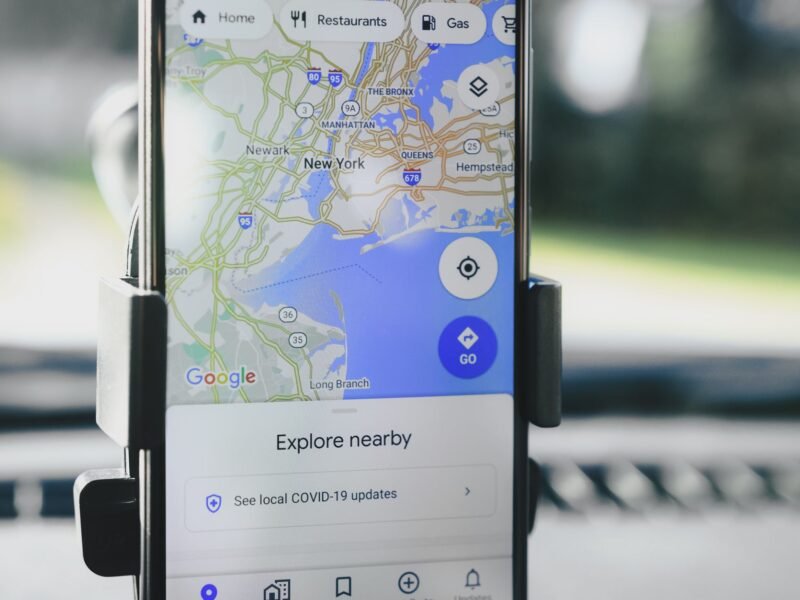
- Review location access app by app. Go to Settings > Privacy & Security > Location Services. For each weather app, game, shopping or news app, pick Never, Ask Next Time or While Using the App. Keep Always only for apps that truly need it, like a fitness tracker during a run.
- Turn off Precise Location. On the same screen, tap an app and switch off Precise Location. The app then gets only an approximate area, which is plenty for a weather forecast.
- See what your apps actually do. Go to Settings > Privacy & Security > App Privacy Report and turn it on. After a few days it shows how often each app used your location and which web domains it contacted. Apple keeps this report on your device.
- Delete apps you don’t use. An app you opened once in 2024 can still have location access. Deleting it ends that. It also frees space; our iPhone storage guide shows how to find the apps you never open.
If you want a clean start, Apple offers Settings > General > Transfer or Reset iPhone > Reset > Reset Location & Privacy. Every app then has to ask again before it can use your location. For a full walk-through of each permission, see how to change iPhone app permissions safely.
Android: 5 Settings That Cut Off Ad-Based Tracking
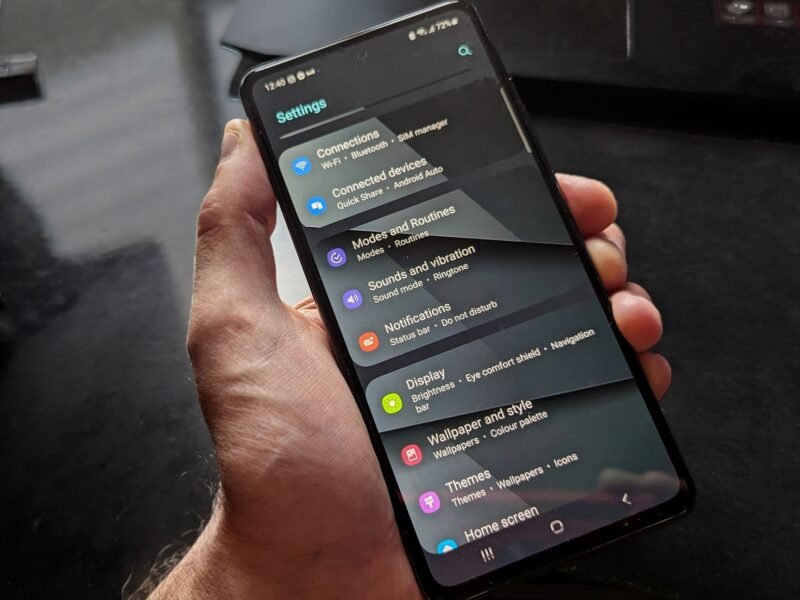
These paths are from Google’s help pages for Android 12 and later. Samsung, OnePlus and other brands may word the menus slightly differently; if you can’t find an item, type its name into the search bar at the top of Settings.
- Delete your advertising ID. Go to Settings > Privacy > Ads and tap Delete advertising ID. Google’s documentation says apps that ask for it afterward get a string of zeros instead. On older Android versions, turn on Opt out of Ads Personalization instead. Deleting is better than resetting: a reset just gives you a fresh ID that apps can start tracking again.
- Review location access app by app. Go to Settings > Location > App location permissions. Google’s help page lists four groups: Allowed all the time, Allowed only while in use, Ask every time, and Not allowed. Move every app you can down the list.
- Turn off precise location. Tap an app on that screen and switch off Use precise location. Google says approximate location only tells the app you are somewhere in an area of about 3 square kilometers.
- Check the Privacy dashboard. Go to Settings > Security and privacy (or Privacy) > Privacy dashboard and tap Location. It shows which apps used your location in the last 24 hours (Android 12) or 7 days (Android 13).
- Let Android remove permissions from unused apps. In Settings > Apps, open an app and turn on Pause app activity if unused. If you stop using it, Android takes its permissions away for you.
Samsung owners who keep sensitive apps apart can also use Samsung Secure Folder, though it protects files and app logins, not your location.
What These Settings Do Not Fix
It is worth being honest about the limits. Citizen Lab’s own advice says these steps “minimize but not reliably prevent” data sharing.
- They don’t erase the past. Location records already sold to brokers stay where they are.
- An app with location access can still send it. An app may share data from its own servers. Blocking the advertising ID makes that data much harder to connect across apps, but it does not stop the app from seeing where you are.
- Your IP address still travels. Citizen Lab notes that ad data can include it. A VPN hides your IP, but not GPS coordinates an app reads and sends itself.
- Carriers are a separate channel. Your mobile network knows roughly where your phone is. Police getting that data from a carrier is the case the Supreme Court said needs a warrant.
Is iPhone or Android Better Here?
iPhone has a slight edge by default: since iOS 14.5, apps must ask before tracking you, and one switch refuses them all. On Android, the advertising ID exists until you delete it. Once you delete it, the two are close. The bigger risk on both is location permission given to apps that show ads. We compare the rest of each platform’s privacy controls in iPhone vs Android privacy.
Can You Ask Data Brokers to Delete Your Data?
If you live in California, yes, and it is free. The state’s Delete Request and Opt-out Platform (DROP) sends one deletion request to more than 600 registered data brokers. Since August 1, 2026, brokers must check DROP at least every 45 days, and the state says it can take up to 90 days for your status to update. Citizen Lab notes that Penlink is registered as a data broker in California.
Outside California, check the data broker’s own privacy policy. Many offer an opt-out form for residents of states with privacy laws, and people in the EU and UK have deletion rights under GDPR.
What Happens Next
In March 2026, 72 members of Congress called for an investigation into what they described as “warrantless purchases of Americans’ location data”. The ATF canceled its own Webloc contract in June, Bloomberg reported. Bills that would require a warrant before police buy location data have been proposed, but none has passed. Until something changes, the settings above are the part you control. Keep your phone updated too, since new versions add privacy controls; if you own a Pixel, here is where the November update stands.
Quick Answers
Can police track my phone through app ads? Yes, indirectly. Ad companies collect location data and advertising IDs from apps, data brokers sell it, and tools like Webloc let agencies search it. Some US agencies use it without a warrant.
Can someone track my phone if my location is off? Apps can’t use Location Services while it is off, so they can’t send your GPS position. Your carrier still knows roughly where your phone is from the cell network, and Apple says your location may still be used for emergency calls.
Is my advertising ID anonymous? Not really. The FTC has said advertising IDs offer no anonymity, because companies link them to names, addresses and phone numbers.
Should I delete my weather app? Not necessarily. Set its location to While Using the App, turn off precise location, and on iPhone make sure it isn’t allowed to track. A forecast works fine with an approximate location.
Does a VPN stop this? Only partly. A VPN hides your IP address, but an app with location permission can still send your coordinates.
Will turning these settings off break my apps? No. Apple says you can still use an app’s full features if you refuse tracking. Navigation and ride apps will ask for location again when they need it.