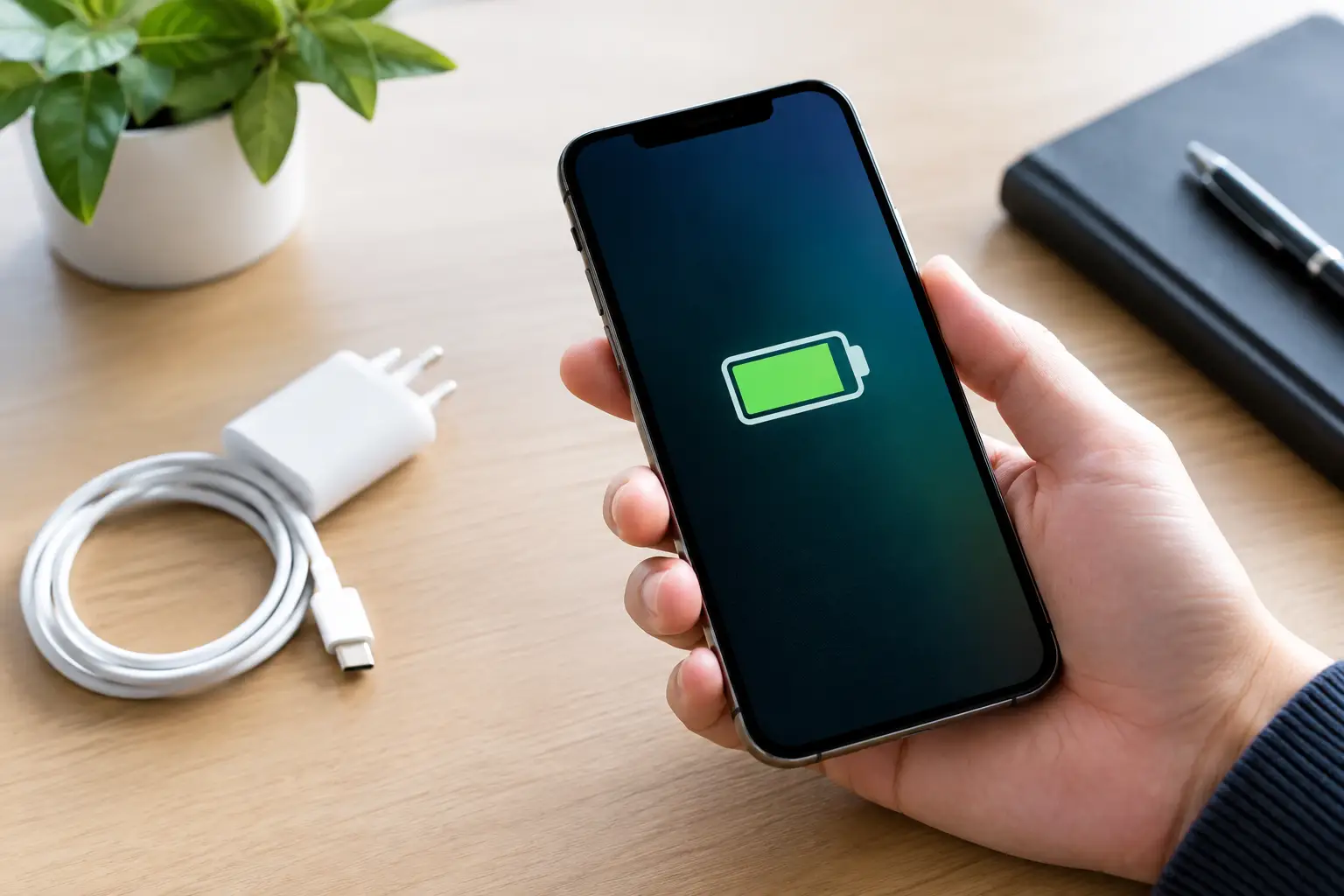
A yellow battery icon on your iPhone means Low Power Mode is on. Nothing is wrong with your battery. Your iPhone is just cutting back on background work so the charge lasts longer.
What the battery colours mean
- Green or white: normal. (The icon is green while charging.)
- Red: the battery is at 20% or less.
- Yellow: Low Power Mode is on, whatever the charge level.
Why did it turn on?
There are three usual reasons:
- Your iPhone hit 20% and you tapped Low Power Mode on the pop-up.
- You or someone else switched it on in Control Center.
- A Shortcuts automation turned it on.
How to turn it off
Go to Settings > Battery and switch off Low Power Mode. You can also tap the battery button in Control Center, if you’ve added it there.
You don’t always have to turn it off yourself. Low Power Mode switches off automatically once your iPhone charges past 80%.
What Low Power Mode changes
While the icon is yellow, your iPhone temporarily:
- pauses background app refresh and automatic downloads
- checks for new mail less often
- pauses iCloud Photos syncing
- locks the screen after 30 seconds
- caps ProMotion displays at 60Hz, so scrolling looks a little less smooth
- turns off 5G on most models, except for video streaming
Calls, texts, apps and the internet all keep working normally.
Is it bad to leave it on?
No. Low Power Mode doesn’t harm the battery or the phone. The only cost is the trade-offs listed above. If you’re on a long day away from a charger, turning it on early is a sensible move.
Want it on all the time?
iOS doesn’t have a “keep on” setting, but you can get close with Shortcuts. Go to Shortcuts > Automation > New Automation > Battery Level, choose a level such as “Falls Below 50%”, and add the action Set Low Power Mode: On. Set it to run immediately.
If your battery seems to drain fast even with Low Power Mode on, the battery itself may be wearing out. Our guide to battery health and making your phone last longer explains how to check it.