iPhone & Mac
Guides for iPhone and Mac owners: fixing problems, managing storage and battery, protecting your privacy, and moving to iPhone from Android. Every guide is written in plain English and links to its official source.
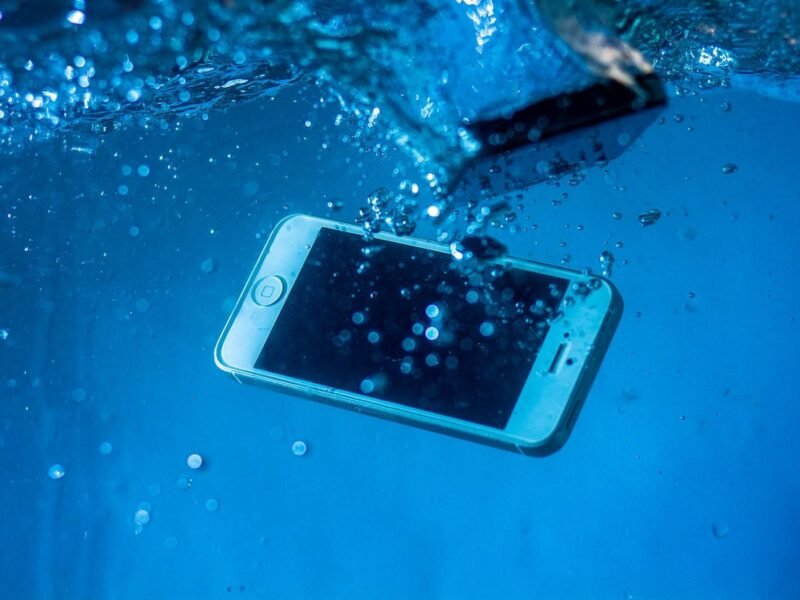
Are iPhones Waterproof? All 42 Models Rated, Plus What Ruins It
No iPhone is waterproof, but most are rated IP68. Here's every model's real limit, what's safe in a shower, pool or sea, and what to do if yours gets wet.
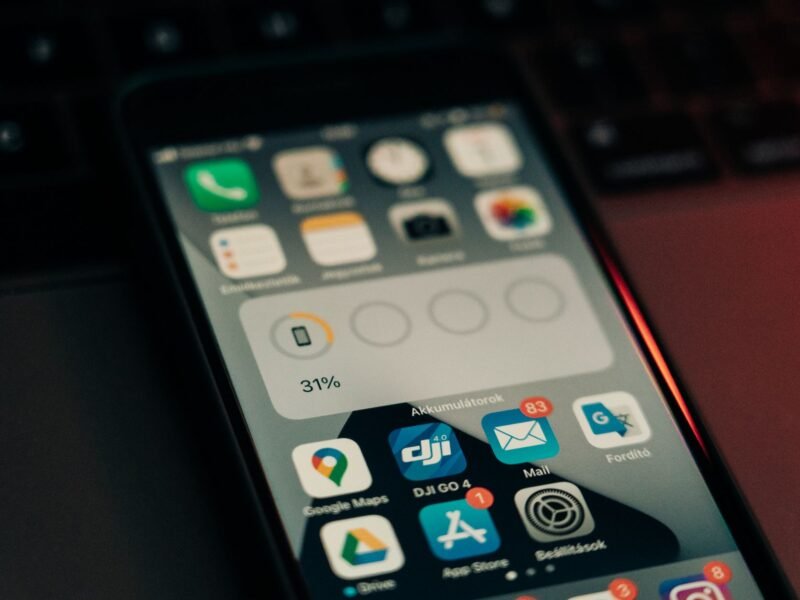
Why Is My iPhone Battery Yellow? (And How to Fix It)
A yellow battery icon means Low Power Mode is on. Here is what it changes, how to turn it off, and when it is worth leaving it on.
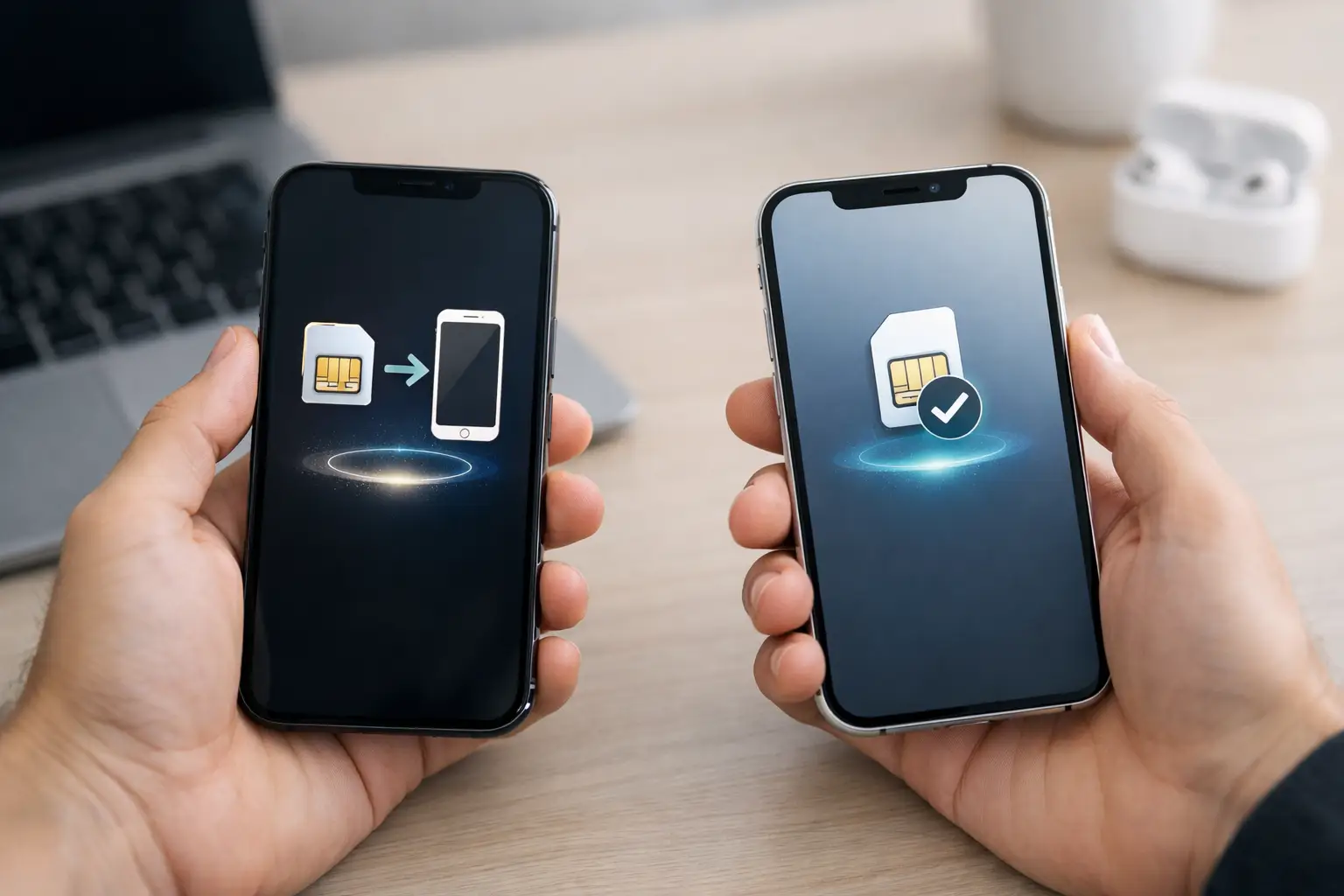
eSIM Transfer on iPhone: How to Move Your Number
Move your eSIM to a new iPhone during setup or from Cellular settings, use your carrier's QR code or app if needed, and fix common transfer errors.
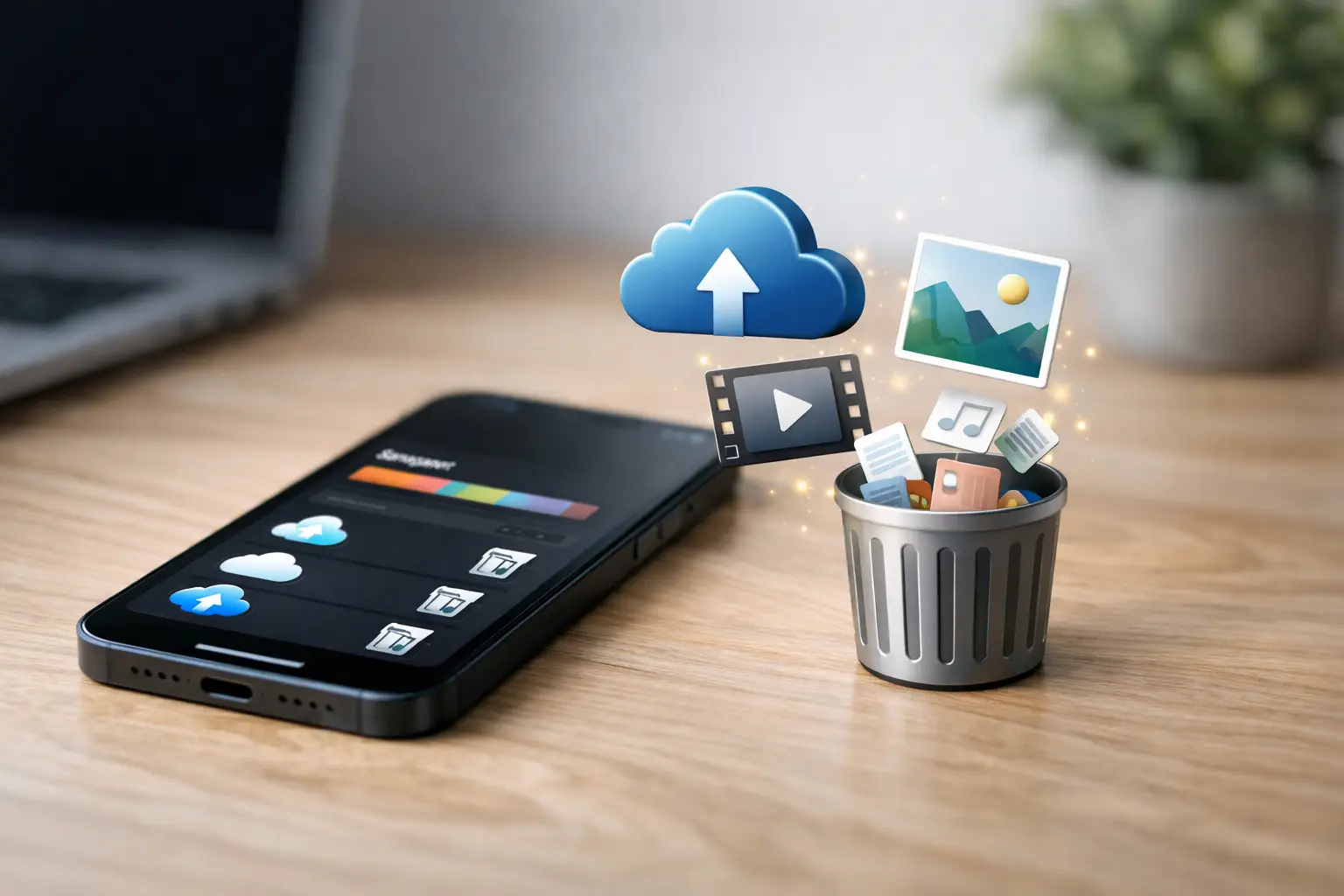
How to Free Up Space on iPhone (and Get More Storage)
Find what fills your iPhone in Settings, then clear videos, duplicates, large attachments and unused apps to free up space without losing what matters.
MacBook Battery Health Check and Care Guide
See how to check MacBook battery condition and cycle count, slow battery wear, and decide when service or a replacement makes sense for your Mac.
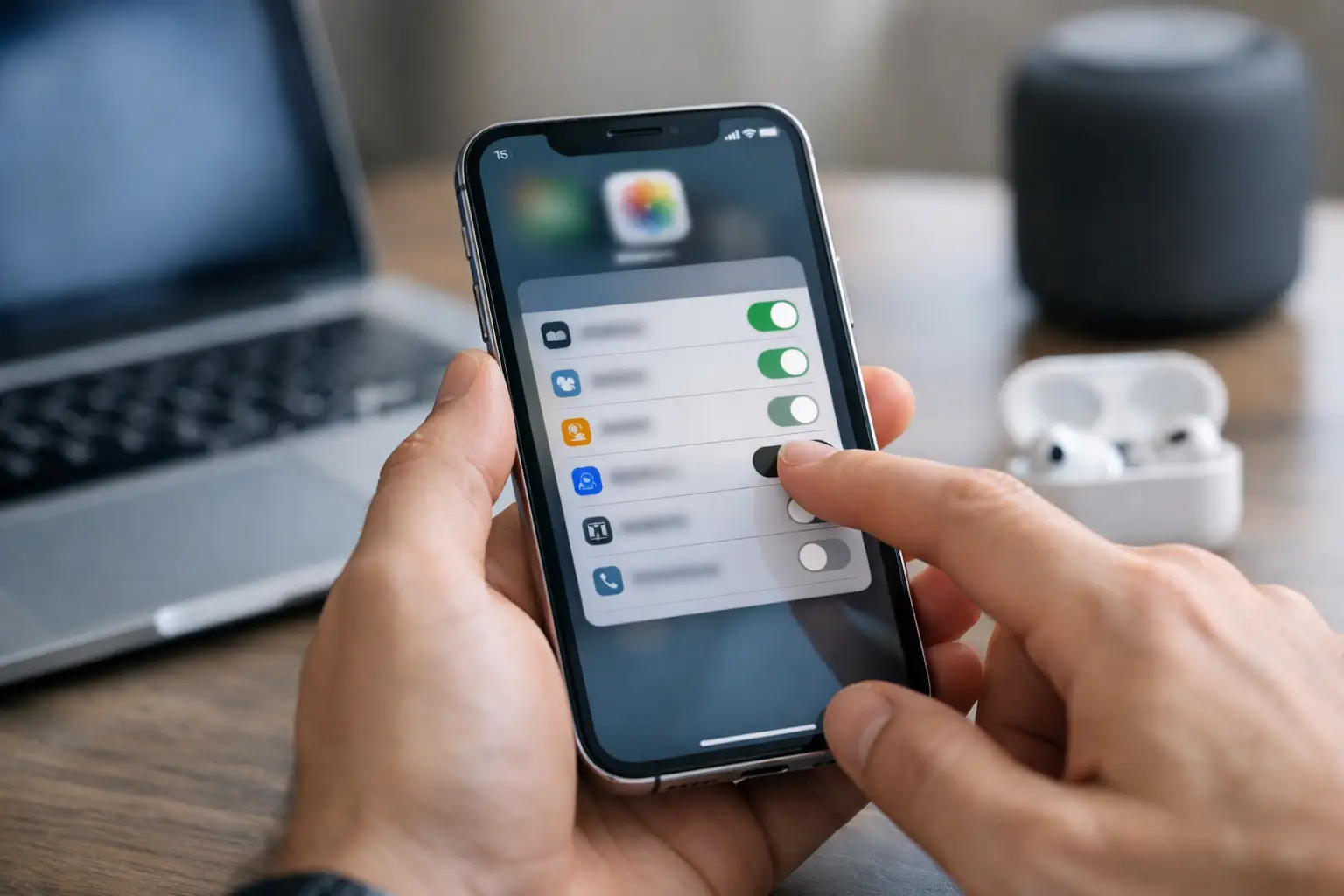
How to Change iPhone App Permissions Safely
Change iPhone app permissions in Settings for location, camera, photos and contacts, so each app gets only the access it really needs.
How to Transfer WhatsApp From Android to iPhone
Transfer WhatsApp from Android to iPhone with Apple's Move to iOS app during setup, with the steps, supported data, limits and fixes for common issues.
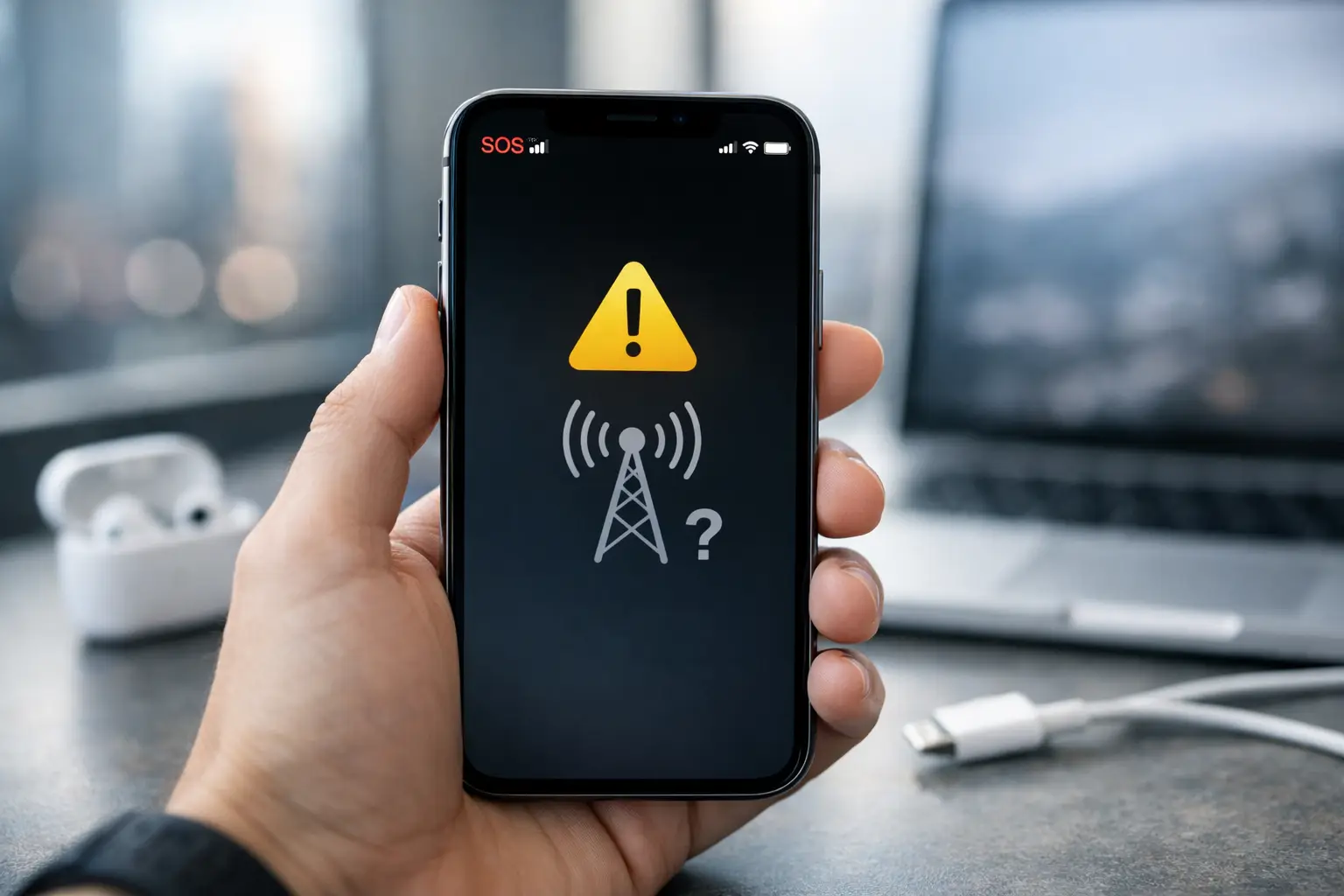
Why Is My Phone on SOS? How to Fix SOS Only on iPhone
Why your iPhone shows SOS or SOS Only, why it keeps going back into SOS mode, and the steps that bring back calls, texts and data, quickest first.
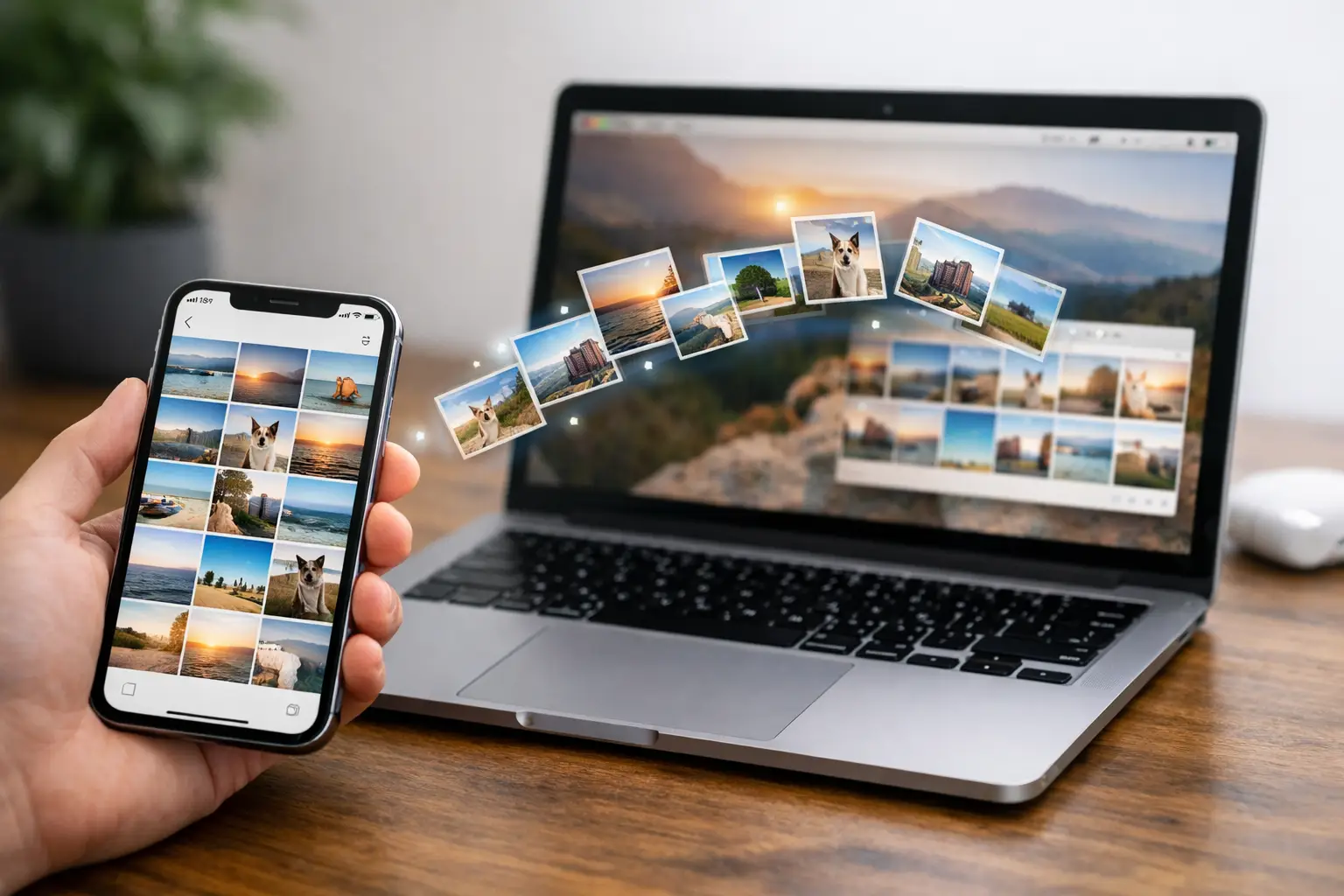
How to Transfer iPhone Photos to MacBook (and Back)
Move iPhone photos to a MacBook with a USB cable, Image Capture, AirDrop or iCloud Photos, and send photos from your Mac back to your iPhone.
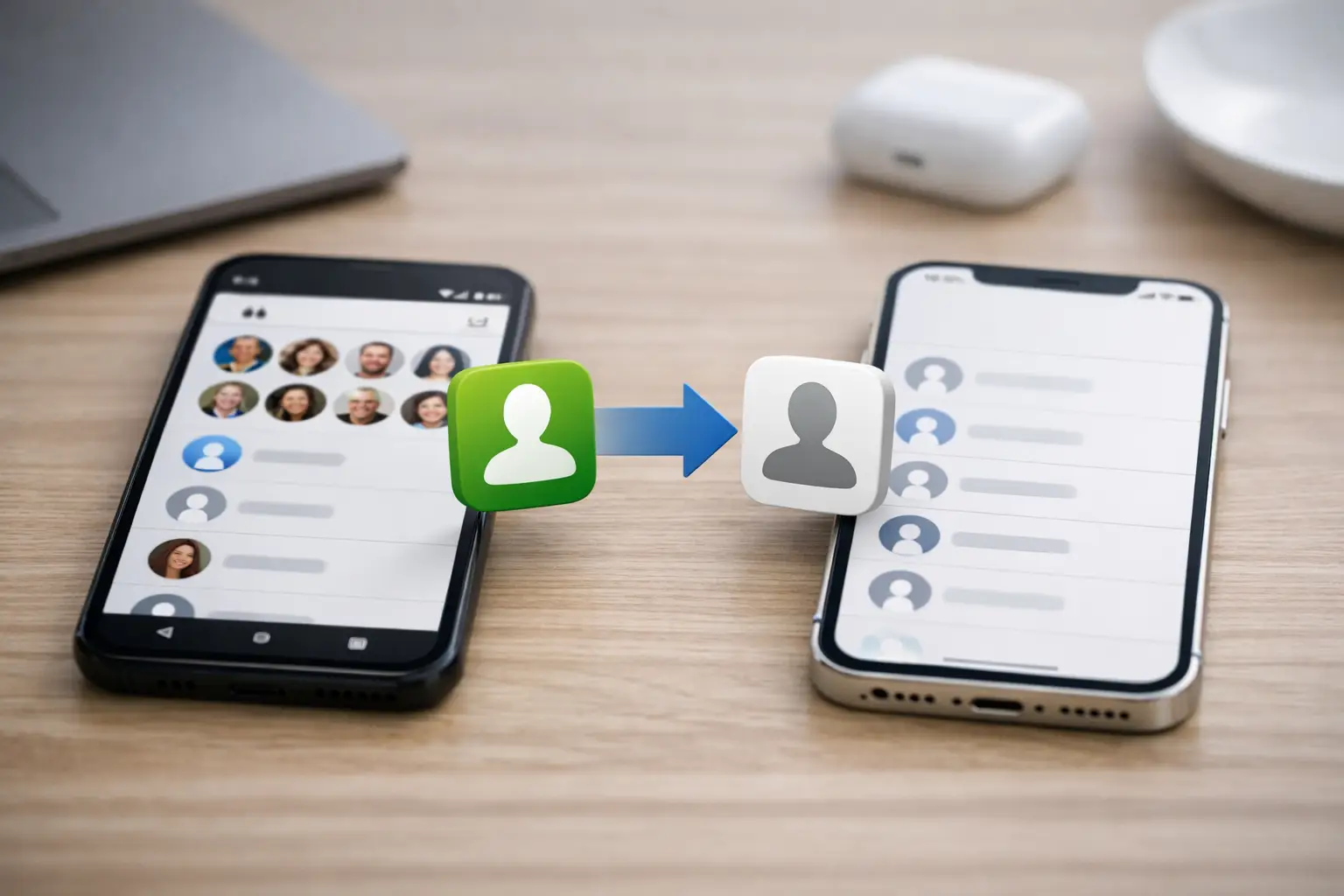
How to Transfer Contacts From Android to iPhone (4 Ways)
Transfer contacts from Android to iPhone with your Google account, Move to iOS, a SIM card or a VCF file, and pick the method that fits your switch.