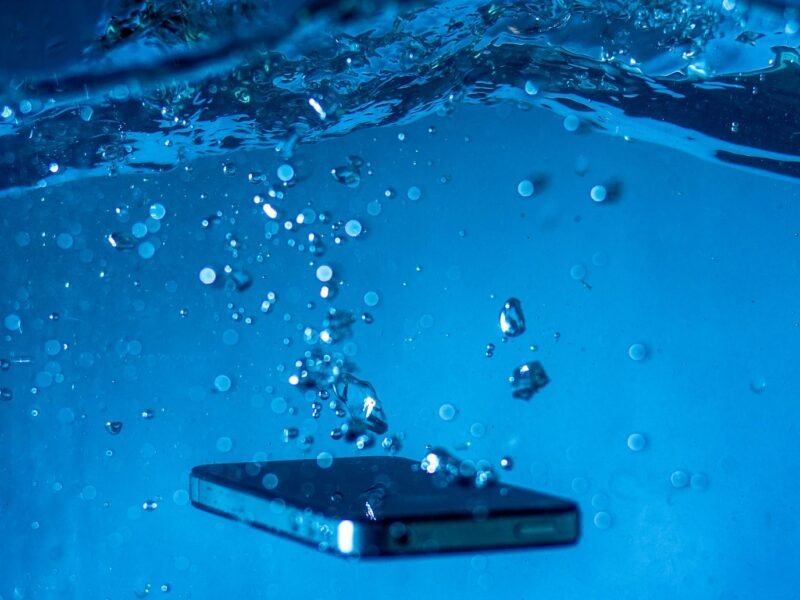
To get water out of a phone, unplug it, wipe it with a soft lint-free cloth, then tap it gently against your palm with the charging port facing down. Leave it somewhere dry with moving air. No heat, no rice, nothing pushed into the port. Wait at least 5 hours before you charge an iPhone with a cable.
Below are the steps in order, plus what to do about a muffled speaker, a “Liquid Detected” or “Moisture detected” warning, and water you can see under the screen. Each part says what Apple, Samsung and Google tell owners to do.
What to do in the first 5 minutes after your phone falls in water
- Get it out and unplug everything. Pull out the charging cable, headphones and any accessory straight away. Never plug a wet phone in to “see if it still works”.
- Take the case off. A case traps water against the frame and slows drying.
- Turn it off if it was soaked. Samsung tells owners to power off and leave the phone to dry, and Google says the same for a Pixel with a wet USB-C port. Apple’s iPhone page doesn’t ask you to switch off. Still, turning it off is a sensible precaution after a full dunk, especially on an older phone.
- Wipe the outside. Use a soft, lint-free cloth such as a glasses cloth. Pay attention to the port, the speaker grilles and the buttons.
- Leave the SIM tray closed for now. Several guides tell you to pull the SIM card straight away. Apple says the opposite: make sure the iPhone is dry before you open the SIM tray, so water doesn’t get a new way in.
If it was salt water, pool water or a drink, Samsung’s advice for its water-resistant phones is to rinse the port in fresh water and then dry it with a soft cloth. Only do this on a phone with a water-resistance rating. Older phones and most Samsung tablets aren’t water resistant, so keep them away from the tap.
How to get water out of a phone: drying it properly
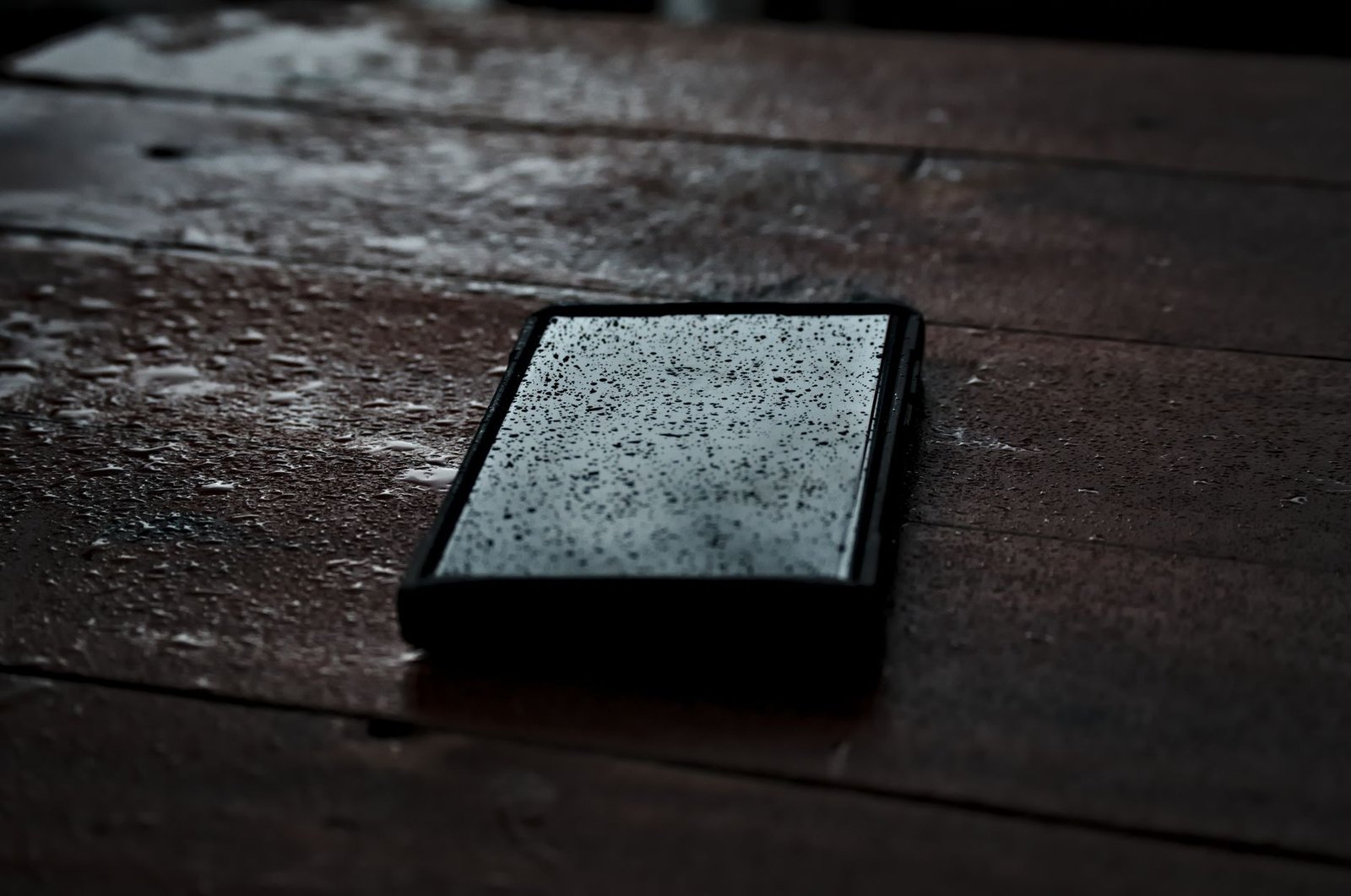
- Tap it out. Hold the phone with the charging port facing down and tap it gently against your hand. Samsung suggests shaking it gently 5 to 10 times the same way. Keep it gentle, because too much force can do its own damage.
- Give it airflow. Leave it on a cloth in a dry, well-ventilated room. Apple says a fan blowing cool air straight into the port can help.
- Be patient. Samsung says water usually evaporates from the port in about 1 to 2 hours. Apple says full drying can take up to 24 hours.
What to avoid, from Apple’s and Google’s support pages:
- No heat. Apple rules out any external heat source, which means no hair dryer, oven or radiator.
- No compressed air. Apple lists it next to heat as something not to use.
- Nothing in the port. No cotton swabs, paper towel or toothpicks.
- No bag of rice. Apple warns that tiny rice particles can get inside and damage the phone. Moving air dries it without that risk.
Some guides suggest silica gel packets. No phone maker’s support page asks for them, so air and time are what the official instructions rely on.
How to get water out of your charging port (and when to charge again)
The port is what matters most, because charging with water inside it can corrode the pins. Apple’s guide says this can cause permanent damage to the phone or the cable. Here is how long each maker says to wait:
| Phone | Before plugging in a cable | Wireless charging |
|---|---|---|
| iPhone | At least 5 hours after getting wet. After a “Liquid Detected” alert, try again after at least 30 minutes, for up to 24 hours | Fine once the back is completely dry |
| Samsung Galaxy | When the warning clears. Samsung says the port usually dries in about 1 to 2 hours | Fine once the phone is thoroughly dry |
| Google Pixel | When the phone shows “OK to use USB port” | Google’s page doesn’t say; dry it first to be safe |
If you’re asking how to get water out of an iPhone charging port faster, the honest answer is that you can’t do much more than tap, air and wait. A wireless charger is the safe way to keep the battery alive in the meantime. If the battery is low, our guide to making your phone’s battery last has settings that stretch what’s left.
iPhone says “Liquid Detected”: what it means
On an iPhone XS, XS Max, XR or later, the phone checks the Lightning or USB-C port when you connect something. If it finds liquid in the port, on the cable or on the accessory, it blocks charging and shows one of these alerts:
- Charging Not Available (Lightning models, when connected to a charger)
- Liquid Detected in Lightning Connector (a Lightning accessory that doesn’t charge)
- Liquid Detected in USB-C Connector or Liquid Detected (USB-C models)
Unplug the cable at both ends, tap the iPhone with the port down, and leave it in a dry spot with airflow. Try again after at least 30 minutes. If the iPhone liquid detected alert comes back, there’s still water in the port or under the cable’s pins, so keep waiting. Apple says it can take up to 24 hours.
In a real emergency, reconnecting the cable gives you an option to override the alert and charge anyway. Use it only when you have to, because charging a wet port is exactly the damage the alert is there to prevent.
Liquid detected in the Lightning connector, but the phone isn’t wet
This is one of the most common questions on Apple’s community forums. Apple’s guide gives three checks:
- Is it one cable? If the alert shows every time with one particular cable or accessory, that cable or accessory may be damaged. Try another cable, and contact the accessory’s maker.
- Restart the charger. If the iPhone is dry but still won’t charge, unplug the cable from the adapter and the adapter from the wall, then connect them again.
- Is it every Apple cable? If the alert appears with every Apple cable or accessory you try, Apple says the iPhone may need service.
All of this is in Apple’s liquid-detection alert guide.
Samsung “Moisture detected” or water drop icon
Galaxy phones rated IP68 have a moisture sensor in the USB port. When it trips, charging stops, a pop-up appears and an alarm keeps sounding until you unplug the charger. Then:
- Unplug the charger, wipe the phone, and gently shake it 5 to 10 times with the port facing down.
- Turn the phone off and leave it on a cloth in a ventilated room, or in front of a fan.
- Once the port is completely dry, restart the phone and try charging again.
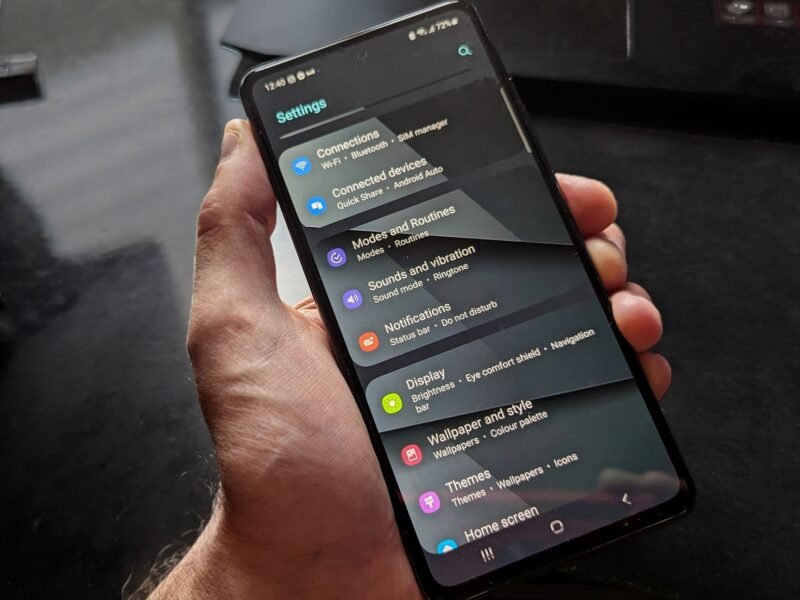
If the moisture detected warning stays on a phone that’s clearly dry, Samsung suggests clearing the USB cache. Go to Settings > Apps, tap the Filter and sort icon, turn on Show system apps, then open USB Settings > Storage > Clear cache. Also try a different cable, and don’t charge in a steamy kitchen or bathroom. Samsung notes that high humidity alone can trigger the icon. The steps are on Samsung’s water drop icon support page.
Google Pixel “Liquid or debris in USB port”
A Pixel shows Liquid or debris in USB port (or Unplug charger if the port is overheating). Google’s steps:
- Unplug the charger from the wall first. The cable can be hot, so let it cool for a few minutes before you pull it from the phone.
- If the port or cable is wet, turn the phone off and leave it on a flat surface to dry at room temperature. Don’t put anything into the port.
- Once it’s dry, wait a few minutes for the message OK to use USB port.
- If the warning stays on a clean, dry port, open Settings > Apps > See all apps, tap More > Show system apps, find USB Settings or Android System, and tap Storage & cache > Clear cache.
If the port looks burned, melted or corroded, stop using it. Google’s Pixel help page points you to a warranty claim or an authorized repair partner.
How to get water out of your speaker
A muffled or crackly speaker after a swim is usually just water sitting in the grille. Apple’s fix is simple: lay the phone speaker side down on a lint-free cloth and see if water drips out. The speaker and microphone may sound worse until the last of the water evaporates, then they normally recover. Our guide to which iPhones are waterproof explains why water gets into the grilles even on IP68 models.
Do “water eject” sounds work?
You’ll find many shortcuts and apps that promise to eject water with a low tone, usually around 165 Hz. The idea is that the speaker vibrates the droplets out. None of these are made by Apple, Samsung or Google, and Apple’s iPhone instructions don’t mention a sound to get water out of a phone. We found no independent evidence that they work better than letting the phone dry speaker side down. If you try one, keep the volume moderate and stop if the speaker rattles. Also keep in mind that some of these shortcuts need you to allow untrusted shortcuts on your iPhone.
Water under the screen: what you can and can’t do
If you can see water in your screen, such as a smudge, a bubble or a shadow under the glass, it has gone past the seals. No tapping, airflow or app will reach it. Keep the phone off, dry the outside, and give it time. In forum threads, people report that small marks sometimes fade over days or weeks, while others see the display fail hours later.
Back up your phone the moment it works again. If iCloud space is tight, our iPhone storage guide shows how to move photos to iCloud first. Then get it checked if the mark stays, the touch screen acts up, or the display flickers. Water that reached the inside can leave residue behind, so problems can show up after the phone seems dry.
Will water damage be covered, and is it worth repairing?
Usually not for free. Apple’s water-resistance page says plainly that liquid damage is not covered under warranty, even on IP68 iPhones, although local consumer law may still give you rights. Google directs you to a warranty claim only when the port looks damaged, and Samsung directs you to its service centers if drying doesn’t work. AppleCare+, phone insurance or some home insurance policies may cover accidental damage. Check the excess before you claim.
If the repair costs more than the phone is worth, a replacement can make more sense. Our budget phone buying guide covers current models with long update support. If your old iPhone used an eSIM, see how to move an eSIM to a new iPhone before you hand the old one in.
Quick answers
How long should I wait before turning my phone back on? For a quick splash, as soon as it’s dry outside. After a full drop in water, leave it off and drying for several hours. Apple says the port can take up to 24 hours to dry fully.
Does rice get water out of a phone? No. Apple specifically warns against putting an iPhone in a bag of rice, because rice particles can get inside. Open air in a dry room, ideally with a fan, is the official advice.
Can I use a hair dryer to dry my phone? No. Apple says not to dry an iPhone with any external heat source, and Google says to let a wet Pixel dry at room temperature. Samsung’s advice is a ventilated room or a fan, which is cool moving air, not heat.
Is it safe to charge wirelessly after a “Liquid Detected” alert? Yes, once the back of the phone is completely dry. Apple and Samsung both say wireless charging works while the port dries.
What should I do if my phone falls in water and won’t turn on? Don’t keep pressing the power button or plug it in. Dry it for at least a day, then try once. If it still won’t start, take it to the maker’s service or an authorized repair shop, and tell them it got wet.
How do I get moisture out of my phone if the warning won’t clear? Dry it in a well-ventilated room away from the bathroom or kitchen. Restart it, try a different cable, and on a Samsung or Pixel clear the USB Settings cache. If the warning still appears, contact the maker’s support.
Steps checked against Apple, Samsung and Google support pages on November 13, 2026.