iPhone & Mac
Guides for iPhone and Mac owners: fixing problems, managing storage and battery, protecting your privacy, and moving to iPhone from Android. Every guide is written in plain English and links to its official source.

Apple Outage of November 17: What Broke and 6 Things to Check Now
An internal update knocked out iCloud sign-in, the App Store and AppleCare purchases on November 17. Here is what Apple's status page lists, what it doesn't, and 6 checks to run now.

Apple HomeView Problems: Siri, Timers and Music Fixes to Try
Early HomeView owners report Siri stuck downloading, timers and music that won't start, and apps that won't open. What Apple has confirmed, what is coming in December, and 7 fixes to try now.
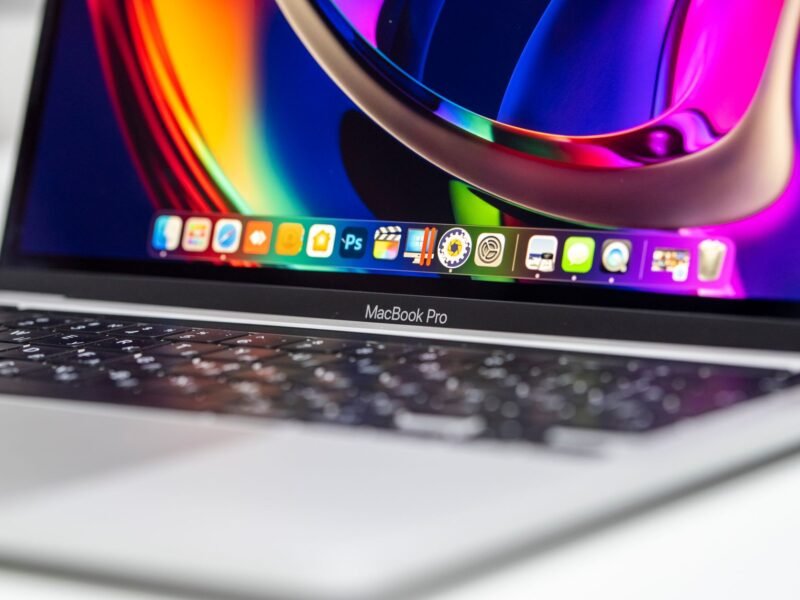
Heat Damage on a MacBook Pro Screen? 6 Causes of Discoloration
Yellow patches, dark spots or a shadow on your MacBook screen? Tell heat damage from pressure marks, dead pixels and software tints in minutes, and see what a repair costs.
iOS 27.2.1 Fixes 9 Security Flaws: What iPhone Owners Should Do
Apple's iOS 27.2.1 closes nine security flaws in Bluetooth and AirPlay pairing, iMessage group chats and more. What each fix means, which update your iPhone gets, and what to do if it won't install.

How to Speed Up a Slow MacBook: 13 Fixes, Free Ones First
Find what is really slowing your MacBook in two minutes, then fix it with built-in tools: memory pressure, Low Power Mode, storage, login items and the post-update indexing slowdown.

Are iPhones Waterproof? All 42 Models Rated, Plus What Ruins It
No iPhone is waterproof, but most are rated IP68. Here's every model's real limit, what's safe in a shower, pool or sea, and what to do if yours gets wet.
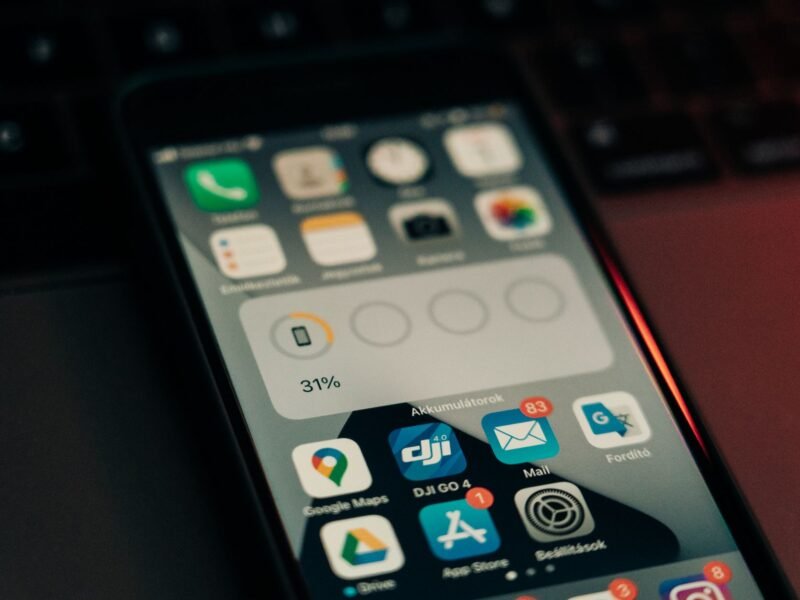
Why Is My iPhone Battery Yellow? (And How to Fix It)
A yellow battery icon means Low Power Mode is on. Here is what it changes, how to turn it off, and when it is worth leaving it on.
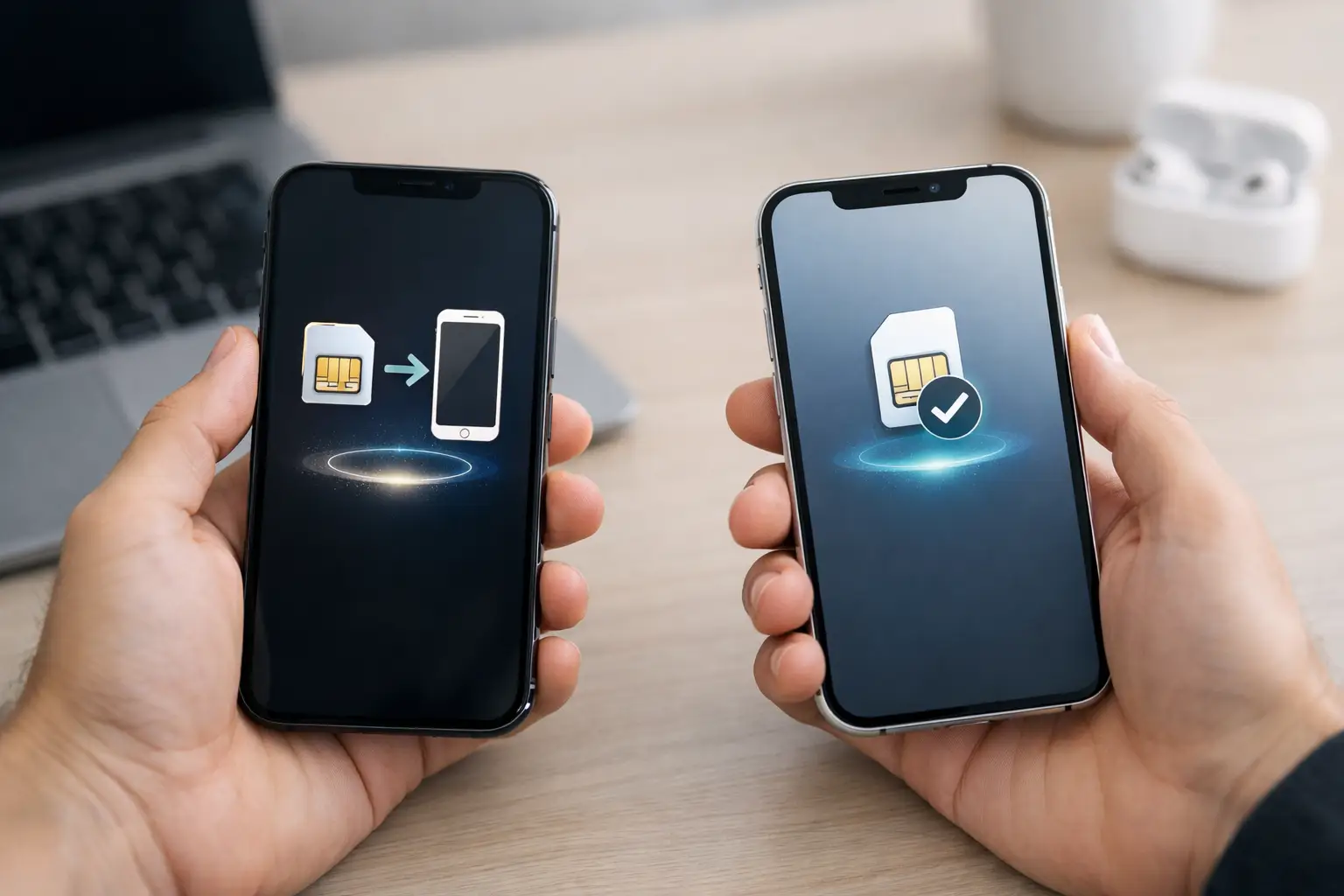
eSIM Transfer on iPhone: How to Move Your Number
Move your eSIM to a new iPhone during setup or from Cellular settings, use your carrier's QR code or app if needed, and fix common transfer errors.

How to Free Up Space on iPhone (and Get More Storage)
Find what fills your iPhone in Settings, then clear videos, duplicates, large attachments and unused apps to free up space without losing what matters.
MacBook Battery Health Check and Care Guide
See how to check MacBook battery condition and cycle count, slow battery wear, and decide when service or a replacement makes sense for your Mac.