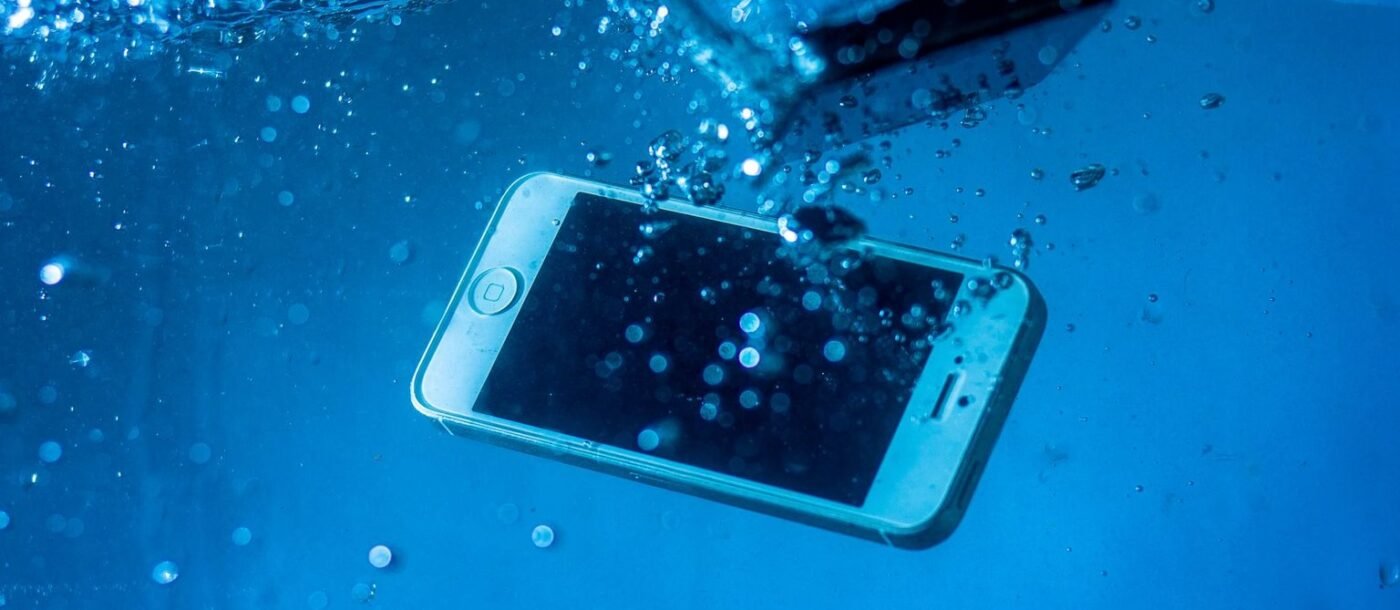
Are iPhones waterproof? No. No iPhone is waterproof, and Apple never claims one is. Every model from the iPhone 7 onward is water resistant, which is a lab rating with limits. The good news: every main iPhone from the 12 onward is rated to survive 6 metres of fresh water for 30 minutes (the iPhone SE is the exception). The bad news: Apple’s warranty doesn’t cover liquid damage.
Below you’ll find the rating for all 42 rated iPhones in one table, what those ratings really mean in a shower, pool or sea, the things that quietly wear the protection down, and exactly what to do in the first ten minutes if yours gets soaked.
Every iPhone’s water rating, from iPhone 7 to iPhone 18
Apple tests each model under the international standard IEC 60529 and publishes the result. Here is every rated model, grouped by how deep and how long it is rated for.
| Rating | Rated depth and time | Models |
|---|---|---|
| IP68 | 6 metres (about 20 ft) for 30 minutes | iPhone Duo, iPhone 18 Pro and 18 Pro Max; iPhone 17e, 17, Air, 17 Pro and 17 Pro Max; every iPhone 16 (including 16e), iPhone 15, iPhone 14, iPhone 13 (including mini) and iPhone 12 (including mini) model |
| IP68 | 4 metres (about 13 ft) for 30 minutes | iPhone 11 Pro, iPhone 11 Pro Max |
| IP68 | 2 metres (about 6.5 ft) for 30 minutes | iPhone 11, iPhone XS, iPhone XS Max |
| IP67 | 1 metre (about 3.3 ft) for 30 minutes | iPhone SE (2nd and 3rd generation), iPhone XR, iPhone X, iPhone 8 and 8 Plus, iPhone 7 and 7 Plus |
| No rating | Keep it dry | iPhone 6s and earlier, original iPhone SE |
Ratings checked against Apple’s water resistance page and Apple’s iPhone comparison tool on 5 November 2026.
Not sure which iPhone you have? Check in 10 seconds
Open Settings > General > About. The Model Name line tells you exactly which iPhone you’re holding. Find it in the table above and you know your limit.
If the phone won’t turn on, look for the model number, which starts with an A. It’s printed on the back of older iPhones and inside the SIM tray slot on later models that have one. Search that number on Apple’s support site and it will tell you the model name.
What IP67 and IP68 actually mean
The two digits are separate scores. The first is dust protection; a 6 is the top score, so every rated iPhone is fully dust-tight. The second is water protection: a 7 means it survived 1 metre for 30 minutes, and an 8 means it passed a tougher test that the maker has to spell out, such as Apple’s 6 metres for 30 minutes.
Here’s the part the box doesn’t tell you. Those tests use still, fresh water at room temperature, with a brand-new phone. Real life is rarely that kind. Moving water, chemicals, heat and an ageing phone are all outside the test, which is why a rating is a safety margin for accidents, not a licence to swim.
Shower, bath, pool or sea: what’s actually safe?
| Situation | Safe? | Why |
|---|---|---|
| Rain, splashes, wet hands | Yes | Exactly what the rating is for. |
| Spilled coffee, soda or juice | Usually, on newer models | Apple says recent models resist common drink spills. Rinse with tap water, then dry. |
| Dropped in a sink or toilet | Usually, if you’re quick | Shallow, still water and a short dunk sit well inside the rating. |
| Shower | No | Water under pressure can push past seals that still water can’t. Apple lists showers as something to avoid. |
| Bath | Avoid | Warm water, soap and bath products all fall outside the test. A drop is survivable; reading in the tub is a risk. |
| Swimming pool | No | Chlorine degrades rubber seals and adhesive over time, and Apple advises against swimming with an iPhone. |
| Sea or beach | No | Salt water corrodes, and sand scratches seals and clogs ports. Rinse quickly if it happens. |
| Sauna or steam room | No | Heat and humidity are both on Apple’s avoid list. |
If underwater photos are the goal, buy a proper waterproof case or pouch rated for diving. It costs far less than a repair, and it’s the only setup Apple’s warnings don’t rule out. Our guide to the best camera phones covers which iPhones take the best shots once they’re safely sealed.
5 things that quietly weaken your iPhone’s water resistance
Apple is blunt about it: water resistance is not permanent and can decrease with normal wear. These are the usual culprits.
- Age. The adhesive seal behind the screen hardens and shrinks over the years. A four-year-old iPhone is not the phone that passed the test.
- Drops. A drop that leaves no visible mark can still flex the frame and open a hairline gap in the seal.
- Repairs. Any screen or battery replacement means opening the phone and breaking the factory seal. Apple and authorised repairers fit a new seal; independent shops vary widely, so ask before you book. If your battery is wearing out, our guide to battery health and making your phone last longer explains when a replacement is worth it.
- Chemicals. Soap, sunscreen, perfume, lotion, oil and pool chlorine all attack the seals. Wipe them off promptly.
- Heat. Saunas, hot cars and charging under a pillow soften the adhesive that keeps water out.
Dropped your iPhone in water? Do this in the first 10 minutes
- Get it out and unplug everything. Remove the charging cable and any accessories straight away.
- Rinse if it wasn’t fresh water. After salt water, pool water or a drink, a quick rinse with clean tap water stops the residue drying inside.
- Wipe it with a soft, lint-free cloth. Take the case off so water isn’t trapped behind it.
- Tap out the port. Hold the phone with the charging port facing down and tap it gently against your palm.
- Let air do the rest. Leave it somewhere dry with some airflow. A fan blowing cool air at the port helps.
- Wait before charging. Apple says to wait at least 5 hours before plugging in a cable. Wireless charging is fine once the outside is completely dry.
Don’t use a hairdryer or any heat, don’t blast it with compressed air, and don’t push cotton buds or paper into the port.
Forget the bag of rice
Apple now tells people directly not to put a wet iPhone in rice, because tiny rice particles can end up inside the phone. Open air dries it just as well, without the risk.
If the speaker sounds muffled afterwards, lay the phone speaker-side down on a cloth. The sound usually returns once the last of the water evaporates.
Seeing a “Liquid Detected” alert?
Newer iPhones check the charging port for moisture when you plug something in. If they find any, you’ll see Liquid Detected and charging stops to protect the port from corrosion.
Unplug the cable, tap the phone with the port facing down, and try again after at least 30 minutes. Apple says complete drying can take up to 24 hours. In a genuine emergency you can override the alert and charge anyway, but avoid it if you can. If the warning appears every time you connect a dry cable, Apple’s liquid-detection guide recommends contacting Apple Support.
Will Apple fix water damage for free?
Not under the standard warranty. Apple’s own wording is that liquid damage is not covered, even on IP68 models. Every iPhone also has internal liquid contact indicators that change colour after exposure, so technicians can tell.
Your options:
- AppleCare+ covers accidental damage, including liquid, for a fixed service fee per incident. In the US that fee is $99 for this kind of damage; check Apple’s AppleCare page for the current price in your country.
- Consumer law. Apple notes you may still have rights under local consumer law, which sit alongside the warranty.
- Home or phone insurance. Some contents policies and card protection schemes cover accidental damage. Read the excess before you claim.
If you’re shopping and water is a real worry, every current iPhone carries the top 6-metre rating, while the last iPhone SE is only rated to 1 metre. Our budget smartphone buying guide weighs that kind of trade-off against price.
Quick answers by model
Is the iPhone 17 waterproof? No, but it is water resistant to IP68: 6 metres for 30 minutes. The same goes for the iPhone 17 Pro, 17 Pro Max, iPhone Air and iPhone 17e.
Is the iPhone 16 or iPhone 15 waterproof? Water resistant, not waterproof. Both families, including the 16e, are rated IP68 to 6 metres for 30 minutes.
Is the iPhone 14 or iPhone 13 waterproof? Same answer: IP68, 6 metres, 30 minutes, including the iPhone 13 mini.
Is the iPhone 11 waterproof? The iPhone 11 is IP68 to 2 metres. The 11 Pro and 11 Pro Max go deeper, to 4 metres.
Is the iPhone SE waterproof? The 2nd and 3rd generation SE are IP67, rated to 1 metre for 30 minutes. The original 2016 SE has no water rating at all.
Can I use my iPhone in the shower? It will usually survive, but it isn’t designed for it. Pressurised water and steam are both outside the rating, and Apple lists showers as something to avoid.
For more plain-English iPhone guides, browse our iPhone & Mac section.